HINATA Control Center
Abbreviated as HCC. Distinguish from HCP (HINATA Control Panel)
Requires HINATA/HINATA Lite firmware ≥ 2025040400
Introduction
The HINATA Control Center manages HINATA device settings and card read/write operations (Coming Soon). Currently supports firmware updates only.
No local installation needed—access via web browser at cc.neri.moe!
Connecting
- Click the Connect button (or the icon at the bottom-right).
- Your browser will display a device selection prompt (Chrome example):

- Select "HINATA" → Click Connect.
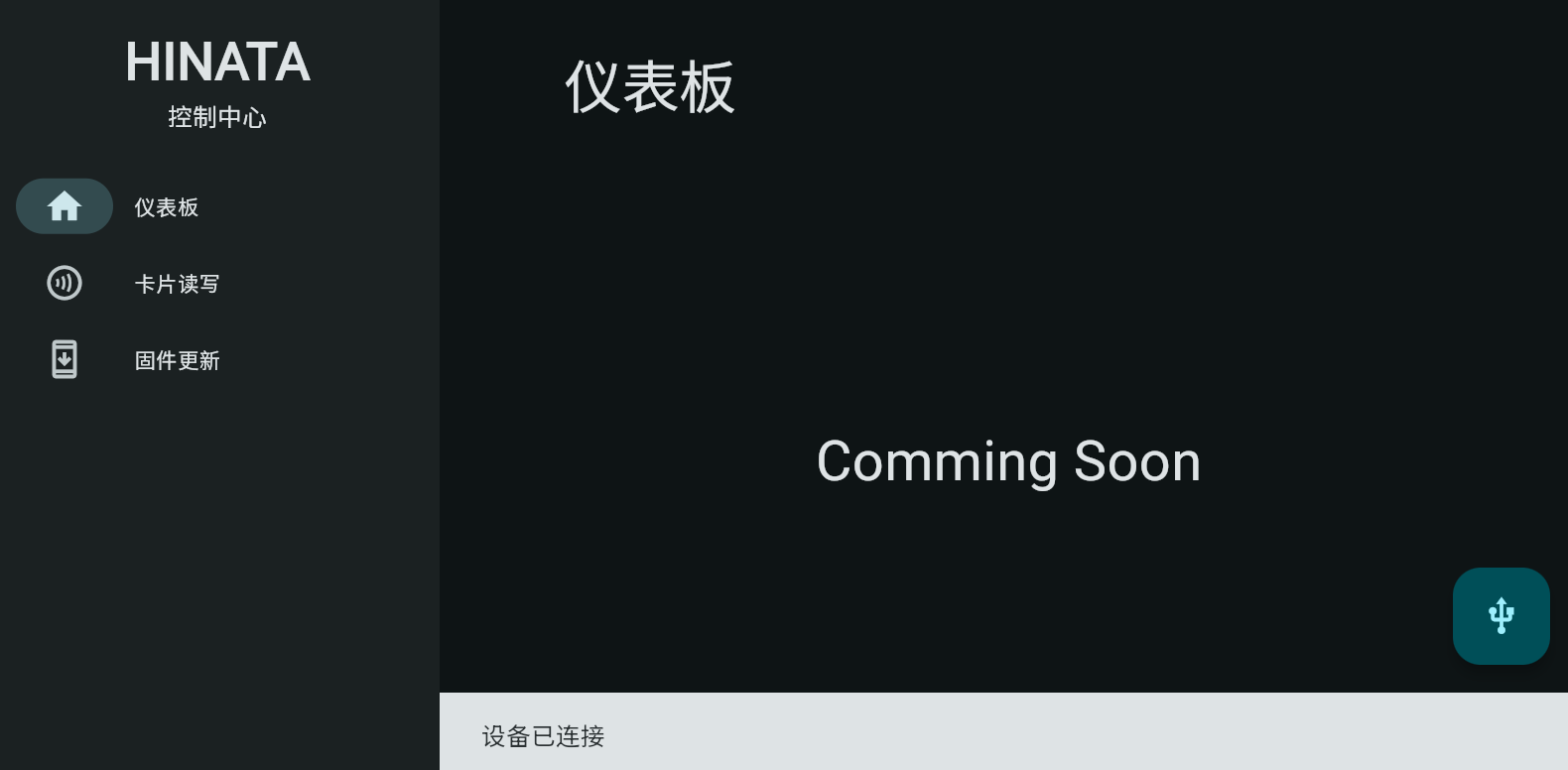
- Successful connection displays:
Sidebar Options
Dashboard
Functionality coming soon.
Card Read/Write
- Navigate to this section → Place card on the reader:
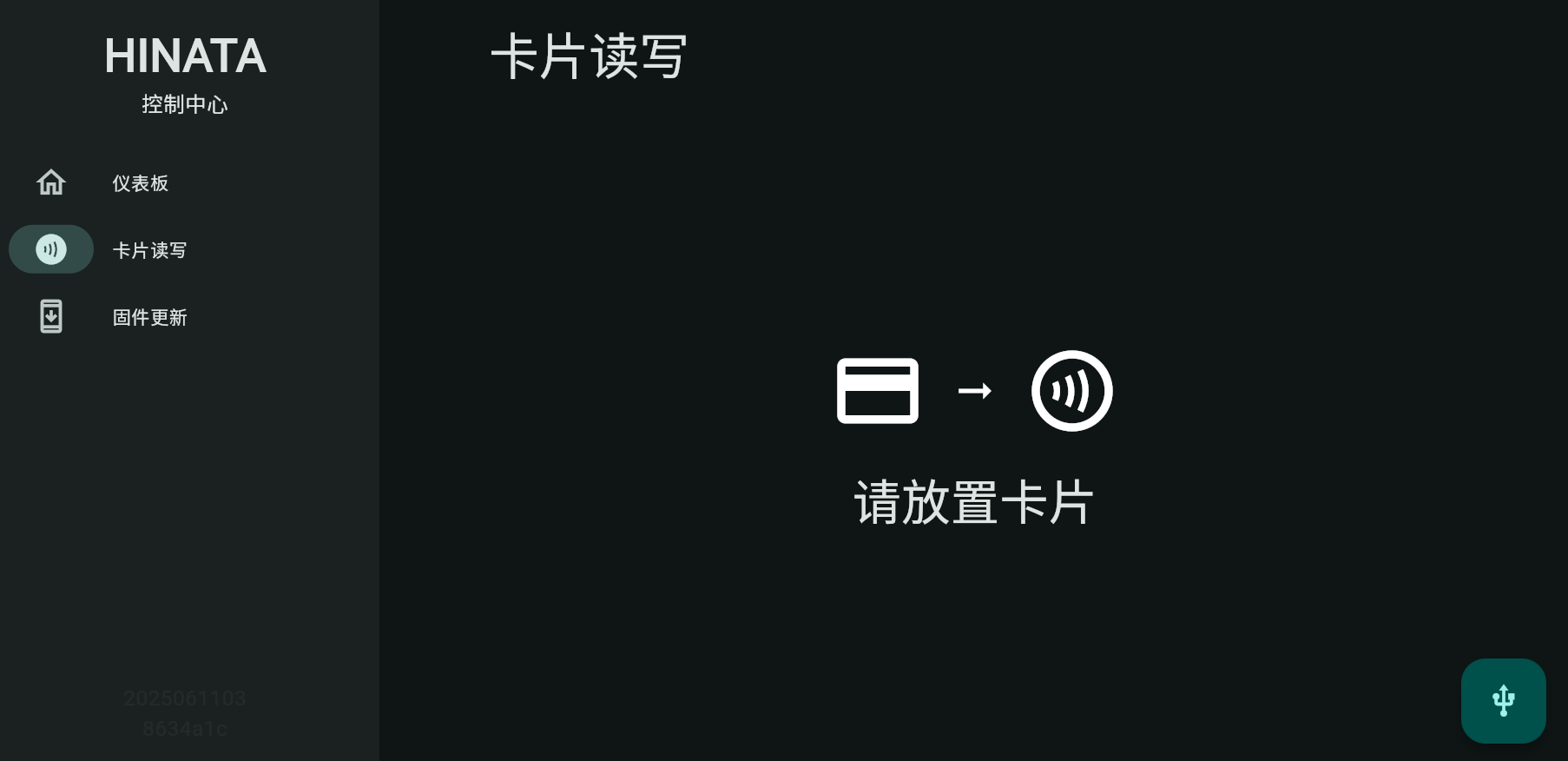
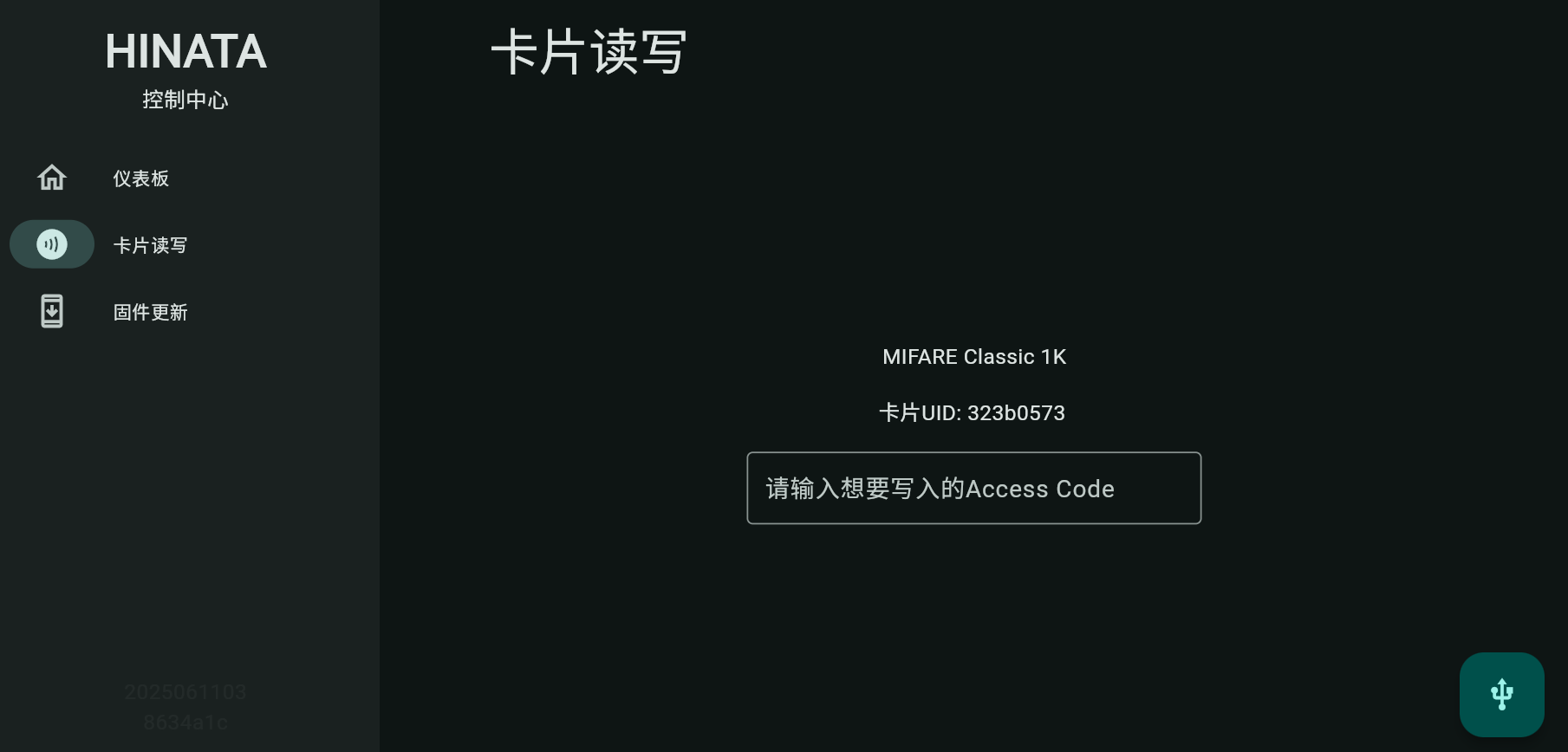
- After detection:
- For writable cards: Enter a 20-digit Access Code → Press Enter to write.
- Unsupported cards show no input field:
Firmware Update
Windows users: Update via HINATAUT instead.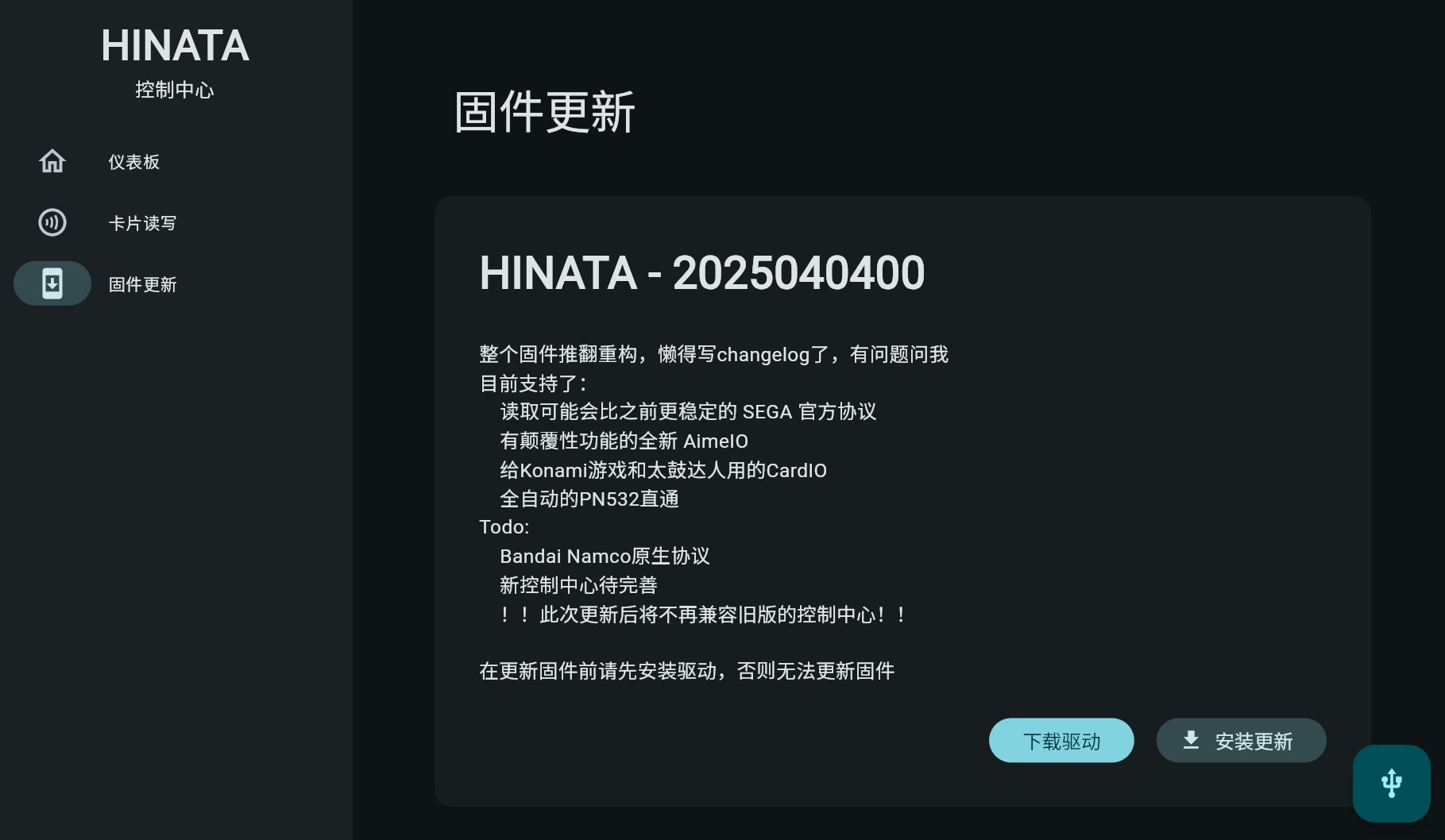
- Click Install Update on the card.
- Follow on-screen prompts.